Handheld Emulation Devices vs a Console on a TV: Comparing Display Quality and Lag for Retro Games
Comparing the TV output quality and input lag of docked handheld emulation devices against original retro consoles through a dedicated scaler.
Docked Handheld Image Quality vs Original Consoles: The Real Difference
The core question comes down to how each path handles a 240p signal. An original Super Nintendo or Mega Drive delivers 240p video through its native output. To get that onto a modern 1080p or 4K display, you need a processor. A handheld emulation device like the Analogue Pocket or Retro Freak skips that step entirely: it generates a digital 1080p signal internally and sends it over HDMI. That sounds cleaner. The reality is that every conversion path adds a specific type of lag and a specific processing artifact. The Analogue Pocket Dock, for example, defaults to non-integer scaling. Pixels on a 240p Game Boy game are not all the same size. You can fix that in the menu, but the default catches most new owners by surprise. A RetroTINK 5X-Pro or an OSSC fed from original hardware gives you frame-level control over the picture, at the cost of needing the right cables and knowing how to set the scanlines.
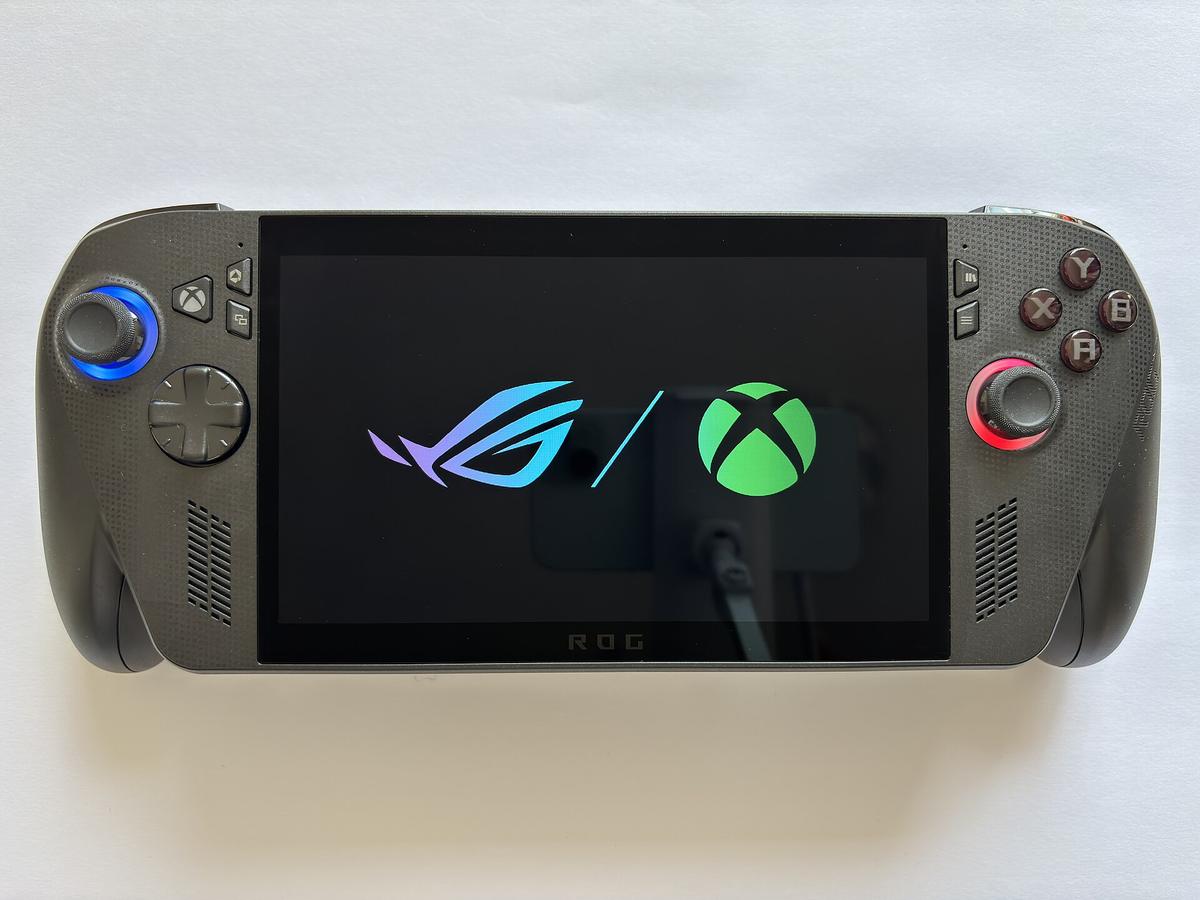
Analogue Pocket Dock vs Original Console: The Scaling Difference
How The Dock Handles Pixel Sizes
The Analogue Pocket Dock delivers up to 1080p from the handheld's FPGA cores. On the Pocket's own 1600x1440 display, the 10x integer scaling for Game Boy is flawless. On a TV through the Dock, the default scaling is not integer. A 240p image integer-scaled to 1080p uses a 4x scale to 960p with black borders. The Dock's default fills the screen, which creates uneven pixel sizes: some pixels are four lines tall, some are five. The artifact is most visible on scrolling backgrounds in titles from the Game Boy or Game Gear library. Enable integer scaling in the Pocket's video menu. The option is buried, so dig into the settings before you play.
How Dedicated Scalers Compare
The RetroTINK 5X-Pro and OSSC default to line multiplication. The OSSC is a line multiplier with no framebuffer, so a 240p signal is doubled, tripled, or quadrupled with zero added lag. The trade-off: the OSSC has no composite or S-Video input. The RetroTINK 5X-Pro accepts composite, S-Video, component, and RGB SCART, and uses a framebuffer for polyphase interpolation. Its motion-adaptive deinterlacing is critical for PlayStation 2 games that switch between 240p menus and 480i gameplay.
Retro Freak HDMI Output Quality and Lag
The Retro Freak is a software-based emulation console that delivers 1080p over HDMI. Unlike the Analogue Pocket, which uses FPGA simulation, the Retro Freak runs software emulation cores on a general-purpose CPU. This adds a frame of input lag before the HDMI signal is generated. Independent tests from Shmups Forum and RetroRGB show that software emulation on the Retro Freak adds roughly 16.7 milliseconds of latency at 60 Hz, on top of whatever the TV adds. That is one full frame of delay. The Analogue Pocket Dock's FPGA core adds less than 0.1 milliseconds. The Retro Freak also applies non-integer scaling by default, and its scanline filter is a simple overlay rather than a CRT simulation. The mClassic dongle cannot fix this: the mClassic adds its own sub-millisecond processing, but it cannot remove the frame of lag already baked in by the emulation core. If you need to play rhythm games or shmups with strict timing, skip the Retro Freak. Use the original console through a RetroTINK 5X-Pro.
Emulation Handheld TV Output Lag: Measured Numbers You Can Trust
| Device | Input Lag (HDMI Output) | Scaling Method |
|---|---|---|
| Analogue Pocket (Dock) | <0.1 ms | User-selectable integer or non-integer |
| Retro Freak | ~16.7 ms (one frame) | Non-integer, software-based |
| RetroTINK 5X-Pro (framelock mode) | <1 ms | Polyphase interpolation, integer scaling |
| OSSC (line-doubled 480p) | <0.1 ms | Line multiplication (2x, 3x, 4x, 5x) |
| MiSTer FPGA (direct video) | <1 ms | Integer scaling, CRT filters |
| mClassic (processing only) | <1 ms | Contextual upscaling with anti-aliasing |
MiSTer FPGA vs Handheld Emulator: Which Output Is More Accurate
FPGA Platforms Compared
MiSTer FPGA is an open-source hardware platform using a DE10-Nano board that replicates consoles at the logic level. Its HDMI signal goes up to 1440p with integer scaling and CRT filters. The Analogue Pocket is also FPGA-based, but it is a handheld first: its 3.5-inch 1600x1440 display is the primary output, and the Dock's 1080p HDMI is secondary. MiSTer has no internal battery and no portable screen; it is designed for a TV or monitor.
CRT Simulation And Your Display
The practical difference is in the CRT simulation. MiSTer supports shadow mask and aperture grille filters that replicate a Sony PVM-20L5 or BVM-D24E1WU. The Analogue Pocket's Dock delivers a clean 1080p signal, but its CRT filter options are limited compared to MiSTer. If your goal is to play on a 4K OLED with accurate scanlines and HDR CRT emulation, MiSTer paired with a RetroTINK 4K is the ceiling of the market. Choose the Analogue Pocket Dock if you need a single device that works as a handheld and a console.
The TV Is the Weakest Link: Game Mode Is Not Enough
Measure Your TV's Real Lag
Every device path in this comparison feeds into the same TV. A Samsung or LG TV in Hong Kong with Game Mode on still adds 10 to 15 milliseconds of lag at 1080p and 30 to 40 milliseconds at 4K. That is one to two frames of delay from the TV alone. The handheld emulation device versus original console question cannot be answered without accounting for the TV's own processing. The Analogue Pocket Dock's sub-0.1 millisecond lag is irrelevant if the TV adds 30 milliseconds. The OSSC's microsecond lag is equally irrelevant.
Test And Eliminate The Delay
Enable the TV's Game Mode. Disable all post-processing. Confirm the result with the 240p test suite. The test suite's lag test pattern shows you the total end-to-end delay. If the TV adds more than 16.7 milliseconds at 60 Hz, you will feel it in Super Mario World and shmups. The only way to eliminate TV lag entirely is a CRT, which has no digital processing. In Hong Kong, second-hand Sony PVMs and consumer Trinitrons are available from local markets, but they require RGB modding and a 220V to 100V step-down transformer for Japanese models.
What Goes Wrong: The Failure Modes of Docked Handhelds
The most common failure is the 240p-as-480i misdetection. A cheap HDMI converter from Sham Shui Po treats a 240p signal as 480i video, applies a destructive deinterlace, and adds two to four frames of lag. The Analogue Pocket Dock does not do this because it generates a native digital signal, but the Retro Freak can misdetect certain core outputs. The second failure is sync drop on white flash. Some software emulation cores on the Retro Freak produce a sync signal that dips during full-white frames, causing a two- to three-second black screen. The third failure is the HDMI handshake loop between the dock and the TV. This is most common with the mClassic in the chain: the mClassic's EDID can conflict with the TV's EDID, causing a blinking black screen every few seconds. Remove the mClassic from the chain to test. The fourth failure is ground loop hum from the analogue audio input on a RetroTINK 5X-Pro when using a console's RCA audio. The Analogue Pocket Dock has no analogue audio input, so this does not apply.
More in this guide
Emulation vs Original Hardware for Retro Gaming on Modern DisplaysMiSTer FPGA with a CRT or External Scaler: Comparing Output Options for Lag and AccuracyLegal Notes: Dumping Your Own Game Backups in Hong Kong for Emulation and FPGA Simulation.
Common Questions
Does the Analogue Pocket Dock add input lag on a TV?
No. The Analogue Pocket Dock adds less than 0.1 milliseconds of input lag. The Pocket itself has zero lag on its own display because it drives the LTPS LCD directly. The Dock passes the FPGA video signal to HDMI with negligible processing.
Can I use a RetroTINK 5X-Pro with a handheld emulation device?
No. The RetroTINK 5X-Pro accepts analogue video inputs: composite, S-Video, component, and RGB SCART. A handheld emulation device like the Analogue Pocket or Retro Freak delivers digital HDMI. You would need an HDMI-to-analogue converter, which adds its own lag and defeats the purpose.
Why does my Retro Freak look blurry on a 4K TV?
The Retro Freak delivers a 1080p signal with non-integer scaling by default. On a 4K TV, the TV's own processor then upscales that 1080p image to 4K, compounding the non-integer artifacts. The result is uneven pixel sizes and a soft image. Enable integer scaling in the Retro Freak's menu if available, or use an external processor like the mClassic to sharpen the picture.
What is the best way to play Game Boy games on a TV?
The Analogue Pocket Dock with integer scaling enabled is the best option. The Pocket's FPGA core replicates the Game Boy's logic at the gate level, and the Dock delivers a clean 1080p signal. The OSSC and RetroTINK 5X-Pro cannot accept the Pocket's digital output, so they are not an option here. If you want original hardware, a modded Game Boy with a RetroTINK 5X-Pro is a more complex alternative.
Does the mClassic fix the lag from a software emulator?
No. The mClassic adds less than 1 millisecond of processing latency, but it cannot remove the frame of lag already added by the software emulation core. The mClassic is a post-process image sharpener and upscaler, not a lag reducer. The only way to reduce emulation lag is to use FPGA-based hardware or original consoles.
What is the difference between the OSSC and RetroTINK 5X for 480i games?
The OSSC uses bob deinterlacing only, because it has no framebuffer. This causes flicker on 480i content like PlayStation 2 menus and FMV. The RetroTINK 5X-Pro uses motion-adaptive deinterlacing, which reconstructs full vertical resolution from 480i without flicker. For PS2, Xbox, or Dreamcast games that switch between 240p and 480i, the RetroTINK 5X-Pro is the correct processor.
Can I use a handheld emulation device with a CRT TV?
Not directly. Handheld emulation devices deliver digital HDMI. A CRT TV requires an analogue 15kHz signal. You would need an HDMI-to-analogue converter that delivers 240p or 480i, plus a scan converter. The RetroTINK 4K and RetroTINK 5X-Pro do not convert digital HDMI to analogue. The OSSC Pro's upcoming model may support this, but as of 2026, the simplest path is to use original consoles with an RGB SCART cable into a CRT.